30 Mac tools in your menu bar

Pandabar is one small native app that replaces a drawer of utilities: a launcher, screenshots, text from screen, clipboard sync, and PDF and image editors.

Download for Mac Free, every tool, no account. macOS 14 or later.

  • 60(12+8)×3 · ↩ to copy↩

Try

Launcher⌥Space

Screenshots that know what you meant

Press ⇧⌘2 and drag. A magnifier finds the exact pixel; a window snaps into the selection on hover. Then mark it up with arrows, text, highlights and a mosaic over anything private.

  • Copy, save or pin. A pinned shot floats above every window until you close it.
  • Scrolling capture. ⌃⌥S scrolls a long page and stitches it into one image.
  • Recording. ⌃⌥R records an area as a video or a small GIF, with your Mac’s sound if you like.

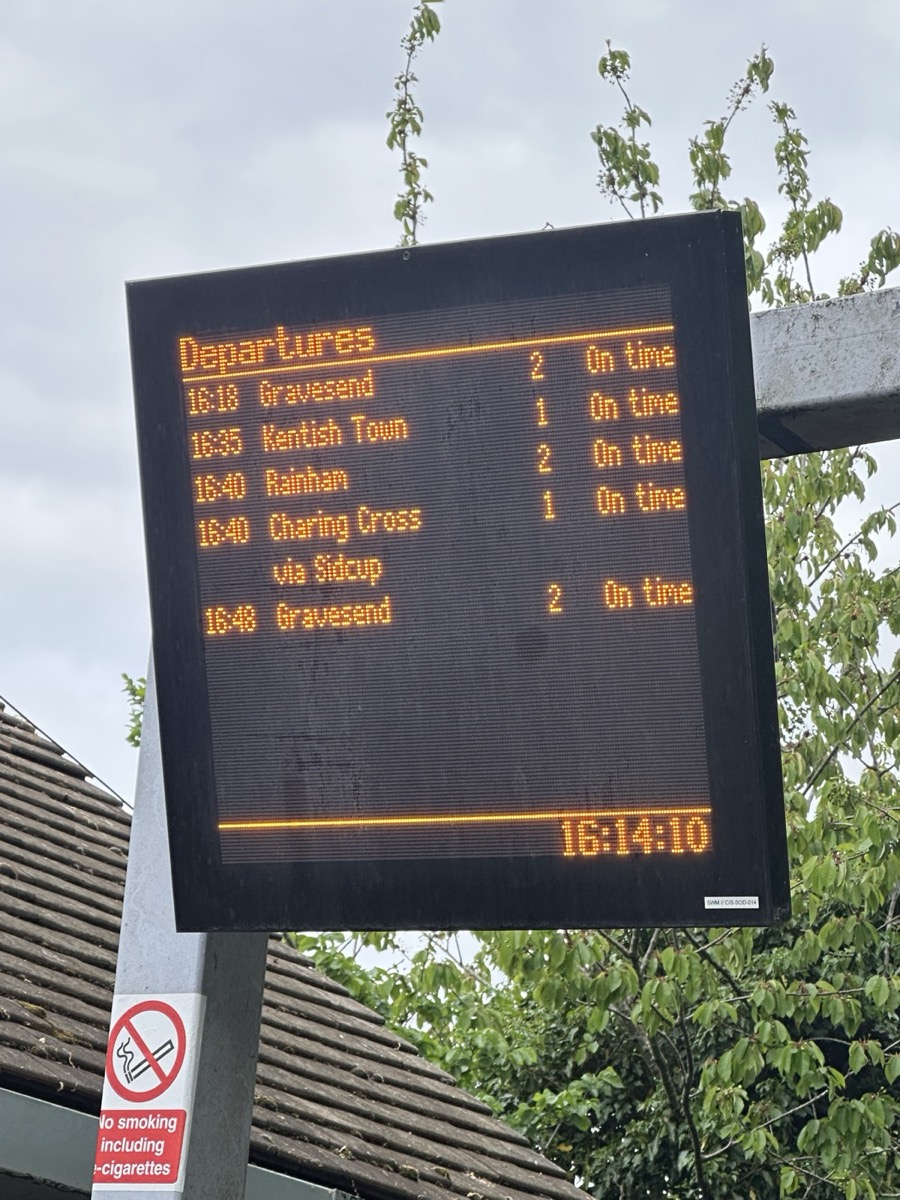
departure-board.jpg

Screenshots⇧⌘2

Copy text out of any picture

Press ⌃⌥T and drag over a photo, a paused video or an app that won’t let you select. The text is on your clipboard, read on your Mac in English, Chinese, Japanese, Korean and many more.

What it copied from the board
16:18Gravesend2On time
16:35Kentish Town1On time
16:40Rainham2On time
16:40Charing Cross via Sidcup1On time
16:48Gravesend2On time

Swanscombe, platform 2

Copied 6 lines

Text from Screen⌃⌥T

Windows where you want them

Halves, thirds and quarters from the keyboard, or drag a window to a screen edge. ⌘Tab shows every window, not only every app, most recent first.

Default shortcuts
Left or right half⌃⌥← ⌃⌥→
Top left, top right⌃⌥U ⌃⌥I
Left, middle, right third⌃⌥D ⌃⌥F ⌃⌥G
Fill the screen⌃⌥↩
Every window⌘Tab

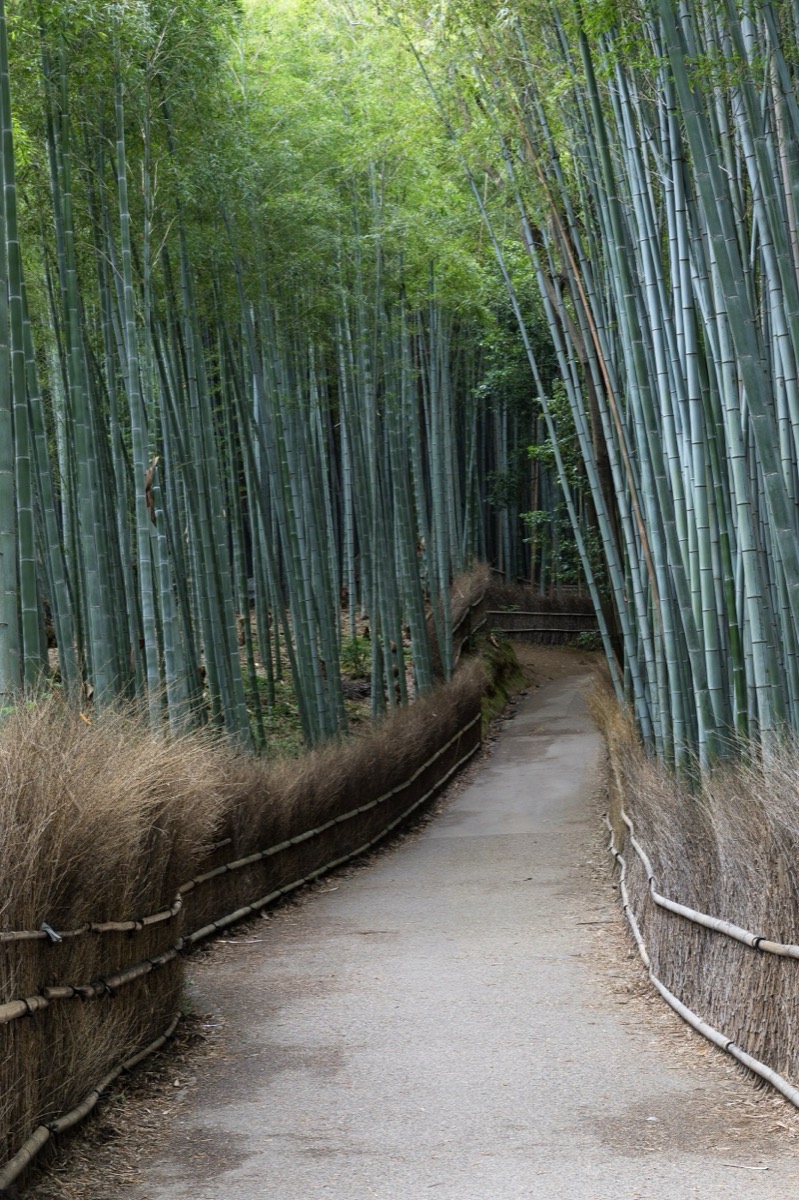
Arashiyama bamboo grove

Kyoto, three days

Day 1 Arashiyama early, before the crowds. Bamboo grove, then the river.

Day 2 Fushimi Inari from the back path. Lunch near the station.

Day 3 Pack light. Train 16:18.

Left half ⌃⌥←

Window Snapping⌃⌥←

A menu bar with room in it

Hide the icons you rarely use; a drop-down bar keeps them one click away, even the ones macOS hides behind the notch. Then blend the notch into a black bar, and keep your wallpaper, or pick a free one from the gallery.

1 icon in your menu bar for all 30 tools.

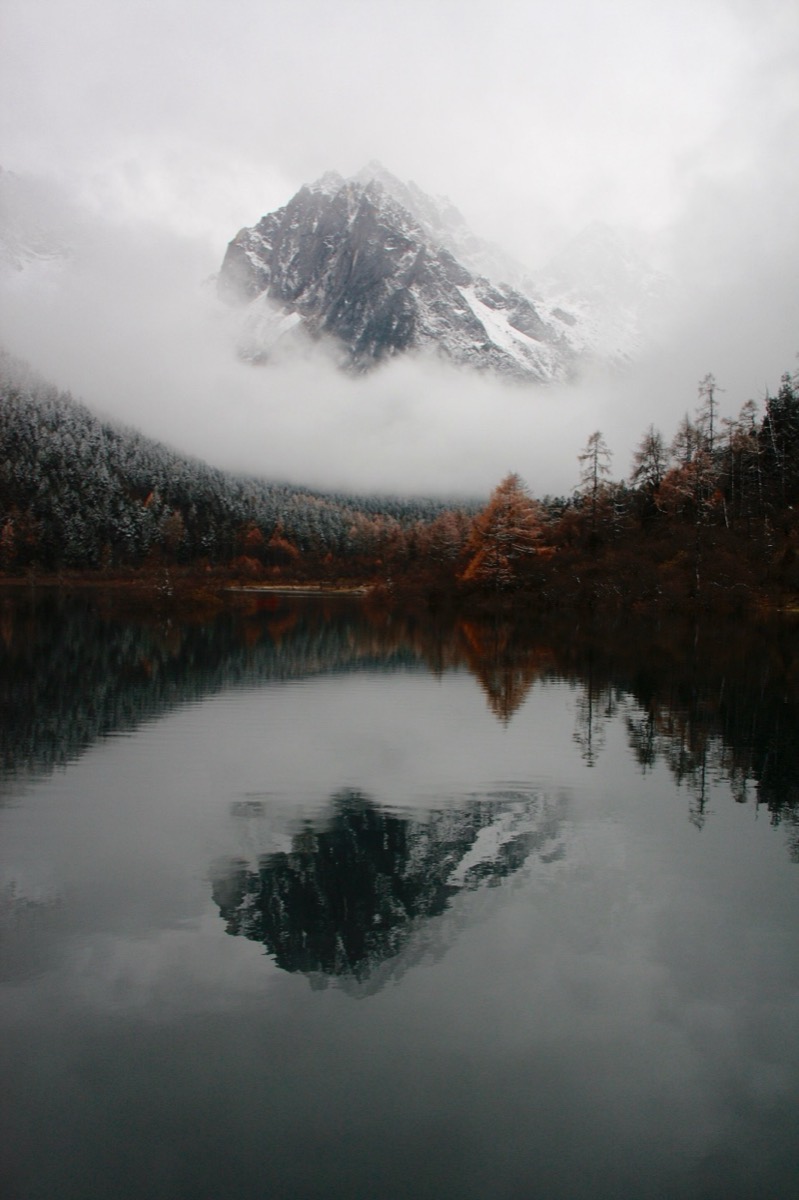
A misty mountain over a still lake, as desktop wallpaper
Menu Bar and NotchOne toggle

Copy on one device, paste on another

Everything you copy is searchable with ⇧⌘V. Your devices pass it to each other over your own Wi‑Fi, encrypted with AES‑256 under a key only they hold. Away from home, a free account carries it over the internet, still end-to-end encrypted. Password-manager items are never kept.

PandaClip for iPhone and Android also shares your phone’s screen to your Mac, no cable needed. Windows is on its way.

  • 16:18 Gravesend 2 On timeThis Mac · now
  • hello@pandabar.ioiPhone · 2 min
  • #5E8438This Mac · 5 min
  • Meeting moved to Thursday, 10:30Windows PC · 12 min
  • Day 1 Arashiyama early, before the crowds.This Mac · 1 h
Clipboard⇧⌘V

What Pandabar makes

Write in the Markdown editor, export a PDF that matches the preview page for page.

kyoto.md

# Kyoto, three days
*Trip notes · October*

Arashiyama is quiet before eight. Walk the bamboo grove first, then follow the river down to the bridge.

| Day | Morning | Afternoon |
| 1 | Bamboo grove | Hozugawa river |
| 2 | Fushimi Inari | Nishiki market |
| 3 | Pack | Train at 16:18 |

> Budget per day: ¥12,000 for food and trains, ¥36,000 for the three days.

Kyoto, three daysTrip notes · October

Kyoto, three days

Trip notes · October

Arashiyama is quiet before eight. Walk the bamboo grove first, then follow the river down to the bridge.

DayMorningAfternoon
1Bamboo groveHozugawa river
2Fushimi InariNishiki market
3PackTrain at 16:18

Budget per day: ¥12,000 for food and trains, ¥36,000 for the three days.

1 / 1

Bicycle rental agreement

Filled and signed in Pandabar’s PDF editor

NameAlex Morgan
Dates14 to 16 October
Deposit¥5,000
Card numberRedacted
Extras
  • Helmet
  • Child seat
Signature
14 OctoberDate

AppIcon.icns

1024 px
512 px
256 px
128 px
64 px
32 px
16 px

Image Converter · 7 sizes from one picture

16, 32, 64, 128, 256, 512 and 1024 px. A Windows .ico gets 16 to 256 px the same way.

PNG · 72 px wide
The Pandabar panda, resting its paws on a bamboo bar
logo.svg
  • #203435
  • #75A350
  • #9BC75A
  • #FEFDFC

Image Converter · traced from a PNG · 4 colours · 44 KB

Curves, not pixels: it stays sharp at any size and opens in any vector app.

And the rest of the drawer

A path through a tall bamboo grove #5E8438rgb(94, 132, 56)

Any colour on screen, as code

⌃⌥C opens a magnifier over the whole screen. Click a pixel and it’s copied as HEX, CSS rgb() or hsl(), or a SwiftUI Color.

Recent colours stay in a list, ready for a contrast check.

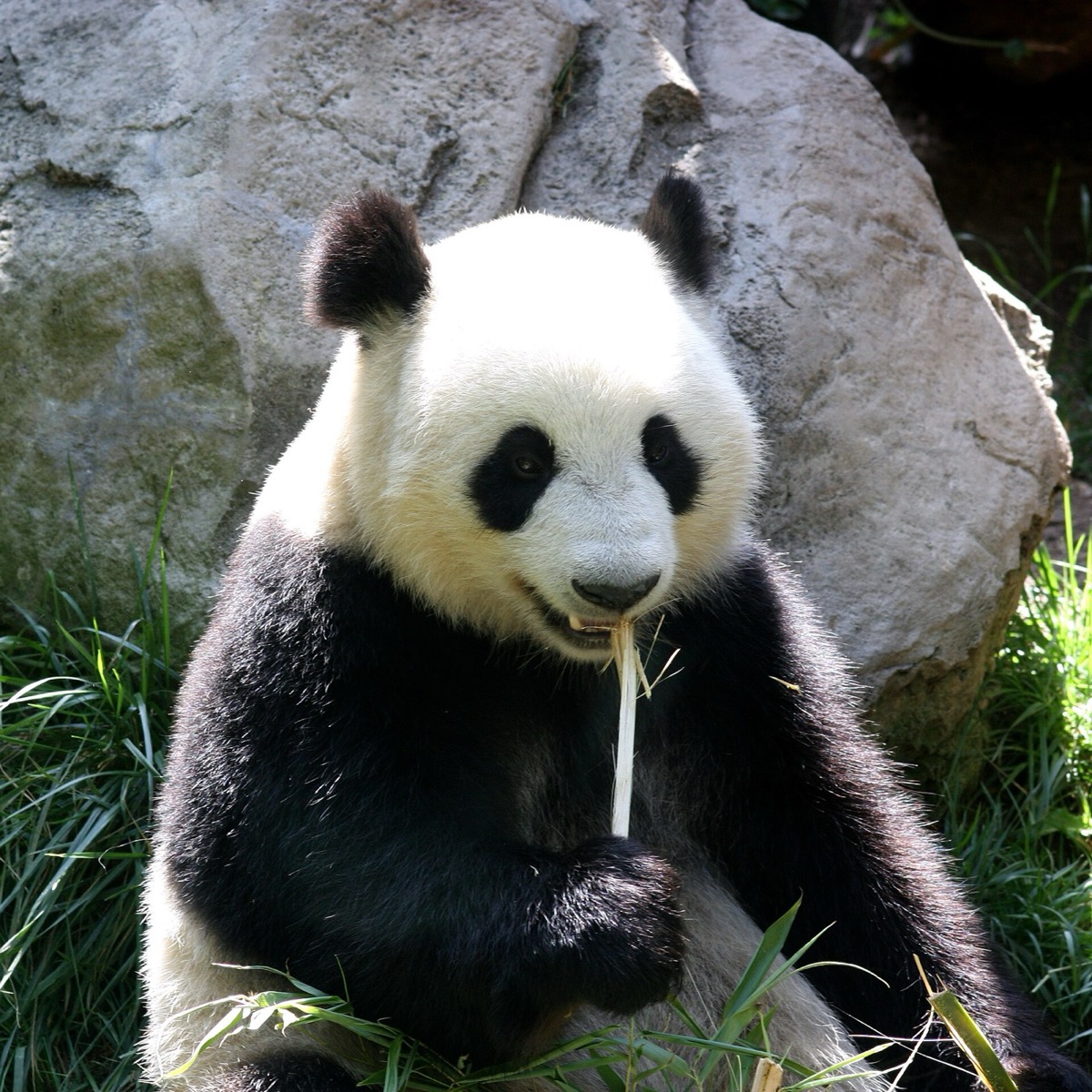
A giant panda sitting against a rock, eating a stem of bamboo 16:9 · 2592 × 1458

Crop, adjust, done

Open any image with Pandabar to crop it to a shape, straighten it, fix its colour or blur a detail.

It saves in the format it came in, camera details and all.

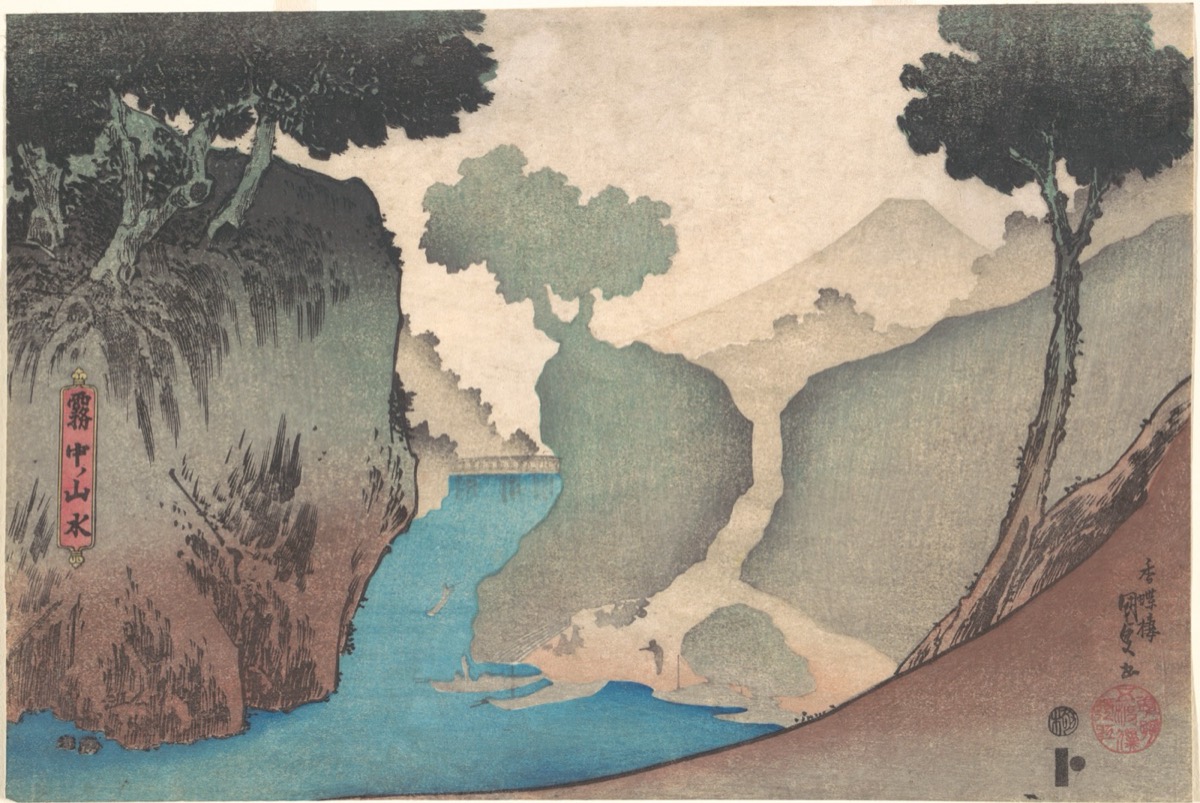
  • landscape-in-the-mist.jpg2.6 MB → 444 KB
  • mist-mountain.jpg726 KB → 223 KB
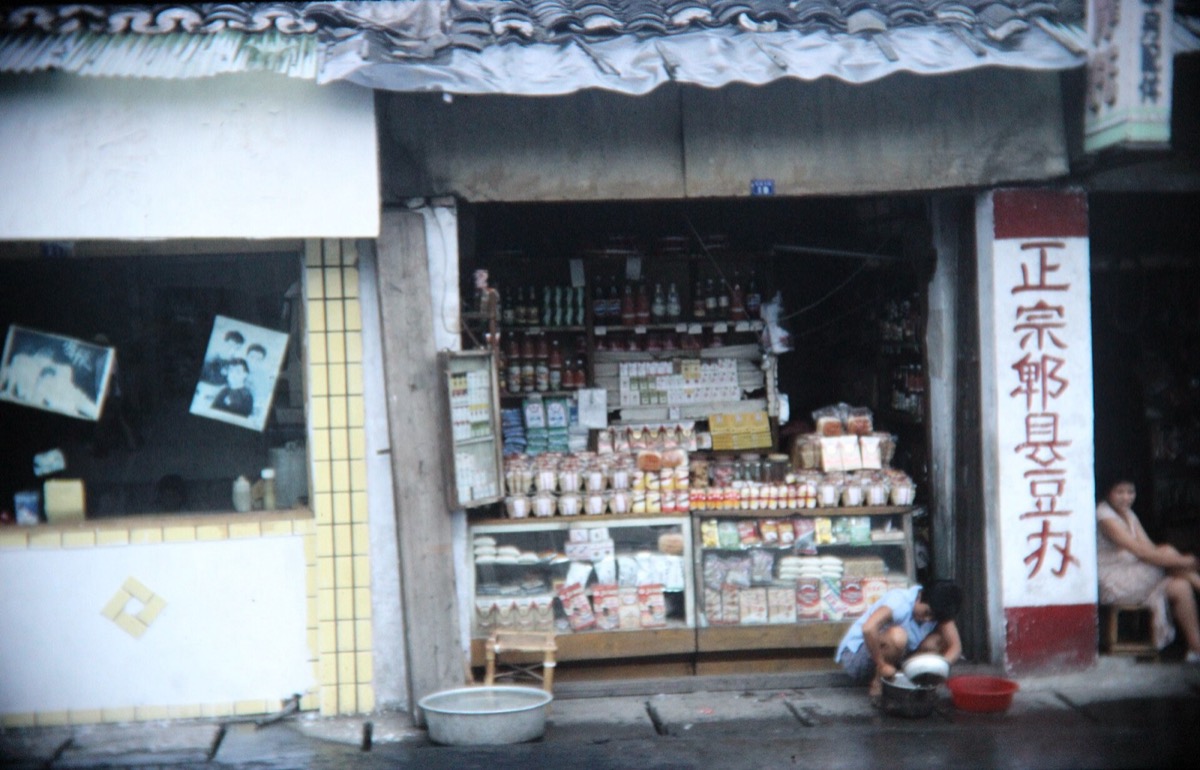
  • chengdu-1991.jpg456 KB → 334 KB

A folder of photos, a quarter of the size

Drop images on Image Converter to resize and compress them, or turn them into JPEG, PNG, HEIC, AVIF, an icon or a traced SVG.

Location and camera details come off if you ask.

All 30 tools

Get around faster

  • Launcher
  • Window Switcher
  • Window Snapping
  • Snippets
  • Emoji & Symbols
  • Bookmarks

Keep your Mac tidy

  • Menu Bar
  • Notch
  • System Stats
  • Desktop Hider
  • App Cleaner
  • Scroll Direction
  • Keep Awake
  • Cleaning Mode

Capture and share

  • Screenshots
  • Scrolling Screenshot
  • Screen Recorder
  • Text from Screen
  • Color Picker
  • Clipboard
  • File Drop
  • Phone Mirroring

Work with documents

  • Quick Notes
  • Markdown Editor
  • PDF Editor
  • Image Editor
  • Image Converter
  • File Converter
  • Drawing Converter
  • AI Assistant

Why Pandabar is one app

I kept paying for a launcher, a screenshot tool, a clipboard manager, a window manager and a PDF editor, and my menu bar ran out of room behind the notch. So I wrote them again as one app, in Swift, sharing one design and one set of shortcuts.

Pandabar has no analytics, and you don’t need an account to use it. Your clipboard, screenshots and documents stay on your devices. It goes online only when you ask it to: for the day’s currency rates, a wallpaper, or an answer from the AI you choose. If you sign in to sync, what it syncs is end-to-end encrypted, so our server can’t read it.

It idles at next to no CPU; the pixel cat in your menu bar runs faster only when something else is busy. Every tool comes with a short animated guide, and if a tool isn’t for you, switch it off and it’s gone.

Every tool, free

Free

For everyone, on every Mac you use.

All 30 tools, with no trial, no time limit and no account. Clipboard sync and File Drop between your own devices, and every update.

$0for every tool

Pro

Optional, for your notes and AI on every device.

Cloud sync of your notes, snippets, bookmarks, settings and pinned clips across all your devices, end-to-end encrypted, with 100 MB of space. And Pandabar AI: Claude Sonnet and Haiku with no API key of your own, with a monthly allowance.

$39.99a year

Monthly or yearly applies to Pro only. Buy it in Pandabar on your Mac, or in PandaClip on iPhone and Android. Either plan keeps the panda fed. Local taxes may apply.

Free · $0 for every toolNo account needed

Questions

What do I need to run it? A Mac with macOS 14 Sonoma or later, Apple silicon or Intel.

Why does it ask for Accessibility and Screen Recording? macOS requires them for what the tools do: Accessibility to arrange windows, tidy the menu bar and expand snippets; Screen Recording to take screenshots, record and read text from the screen. Pandabar asks only when you first use a tool that needs one.

Won’t 30 tools slow my Mac down? They’re one small native app, and each tool only wakes when you use it. Switch off the ones you don’t need in Settings or the panda menu.

Does anything go online? Only what you ask for. Clipboard sync and File Drop talk directly to your own devices on your network. Pandabar fetches the day’s currency rates when you convert a currency, a wallpaper when you pick one, and answers from the AI you choose when you ask it something. There are no analytics.

How does clipboard sync work? On the same network, your devices find each other and connect directly, encrypting everything with a key made on your Mac and shared by QR code. Elsewhere, with a free account, they pass it through our relay, which only ever sees it encrypted.

Can it replace my PDF editor and Markdown app? For most people, yes. The PDF editor edits existing text, makes scans searchable, annotates, signs, fills forms, reorders pages, redacts and protects. The Markdown editor exports PDF and Word that match the preview.

Is App Cleaner safe? It never touches Apple’s apps, shows every file it found with its size, and moves them to the Trash rather than deleting them.

Is it really free? Yes. Every tool is free, with no trial and no account needed. Pro is optional, for cloud sync and Pandabar AI, and it’s what keeps the panda fed.

Which AI does AI Assistant use? The one you choose: Pandabar AI with Pro, with no key to set up, or your own key for Claude, OpenAI or Gemini, or a model that runs on your Mac with Ollama or LM Studio.

How do I get Pro? In Pandabar on your Mac, open Settings → Account & Devices → Upgrade, and pay with Stripe. Or subscribe in PandaClip on iPhone or Android, through the App Store or Google Play. One subscription covers every device on your account.

Can I cancel Pro any time? Yes. Cancel in Pandabar’s Account & Devices settings, or in your App Store or Google Play subscriptions if you subscribed there. Pro lasts until the end of the period you’ve paid for, what you synced stays on your devices, and every tool stays free.